
Registration that handles a whole district at once.
Each event gets its own branded page with its registration form attached. Conditional rules ask only the questions that apply, and approvals and waitlists are built in.
When a district sends a group, staff create the group on the event and paste its roster, as name-and-email lines or a CSV exported from a district spreadsheet. Sponsor, exhibitor and vendor registrations run through the same form.
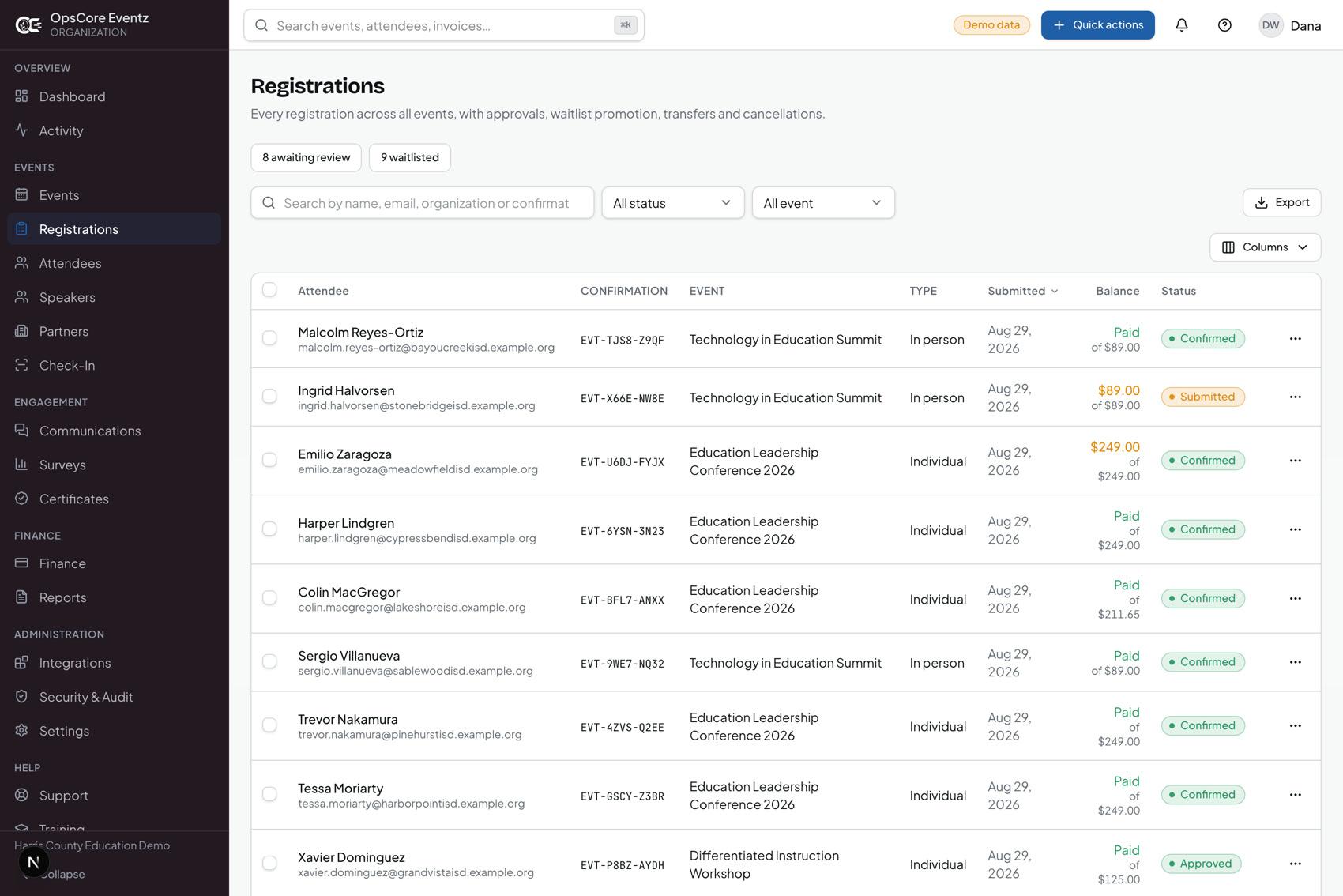
Invoice the district, or take a card.
A district is invoiced, or a card is taken. Refunds and discounts stay on the same record as the registration, so the finance office is not rebuilding the event from a spreadsheet afterwards.
Reports and reconciliation sit in the same place, and the finance mapping can be sent by SFTP to eFinancePlus.
Check-in is a phone at the door.
QR check-in works on any phone or tablet, with badge design and printing. People are scanned in at the door and then into each session they attend, so attendance is recorded session by session, not assumed from the registration list.
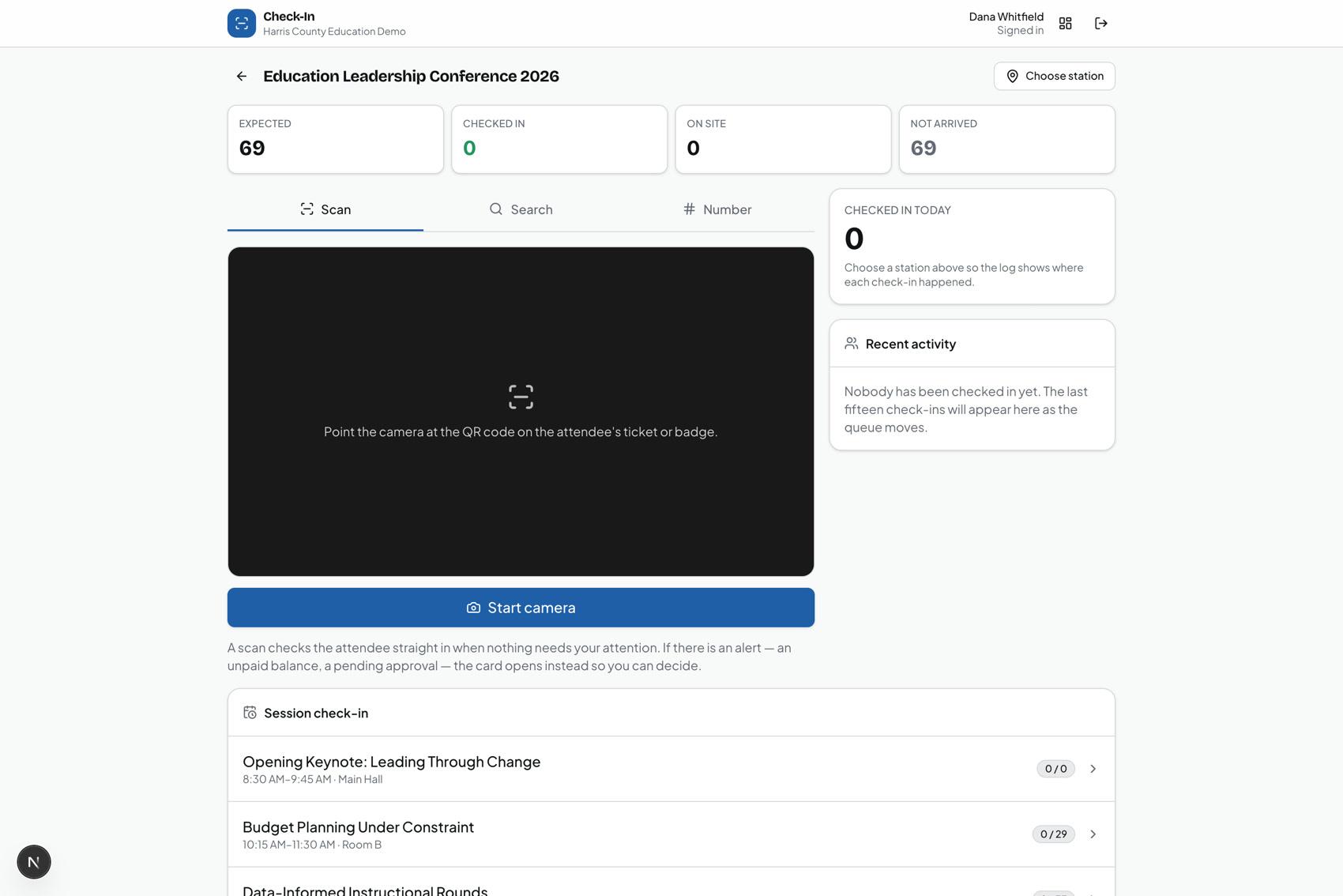
Credit hours total up, and the certificate issues itself.
Credit comes from the sessions a person actually attended. When your certificate rules are met, the certificate issues on its own.
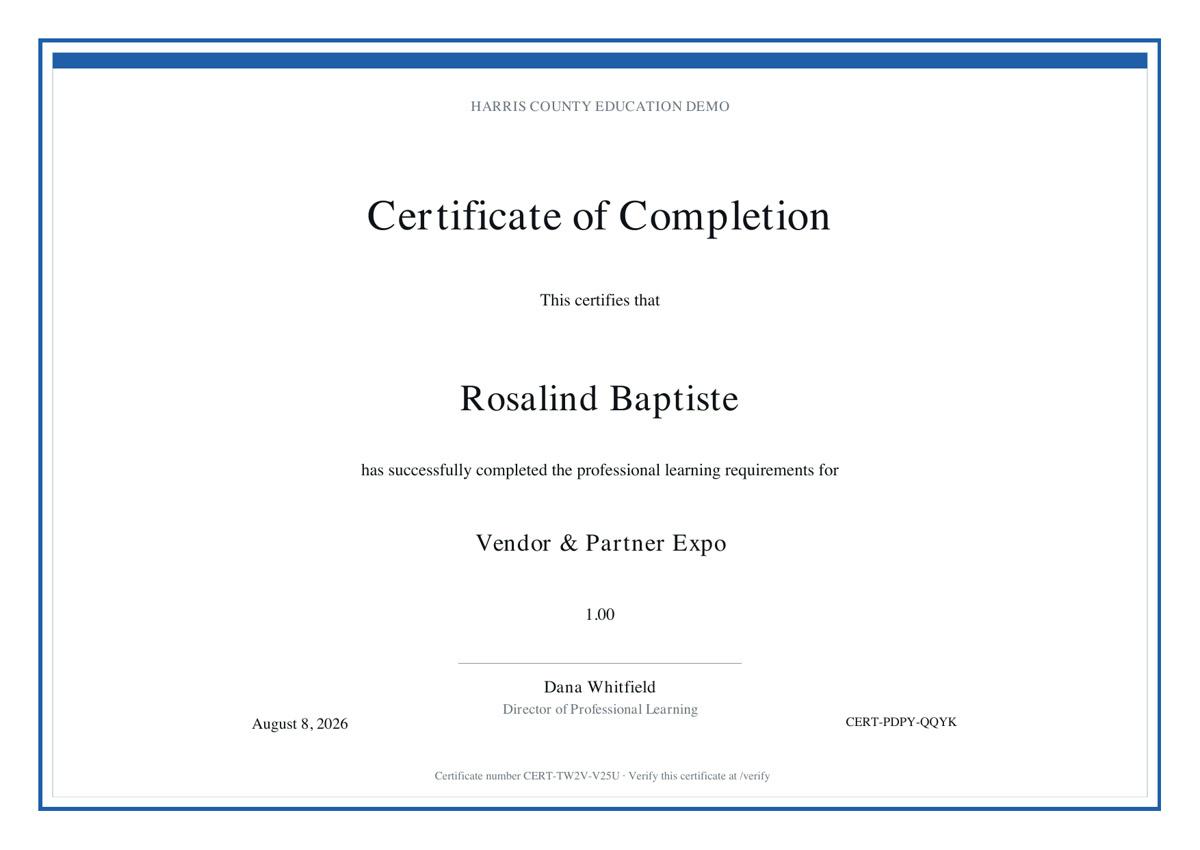
Every certificate carries a number, and a public verification page takes it. Anyone checking an educator’s hours can confirm the certificate without an account, and without asking your office to look it up.
Your staff change things, without filing a ticket.
Forms, workflows, branding, email templates, certificate rules, reports, permissions and financial mappings are all administrator-controlled from inside the console. An ordinary change never needs the vendor.
The Training Academy teaches your staff how: ten courses and a practice mode, assigned by role, from creating an event to certificates and credit hours.
What is not built yet.
Bulk import of records from a spreadsheet: a group roster can be pasted, but nothing else is imported. A background worker to run report schedules on their own is also not built yet.
What to ask any registration vendor
Can one district register a group from a roster?
Yes. Paste name-and-email lines or a CSV exported from a district spreadsheet.
Can a district be invoiced instead of paying by card?
Yes, both, with refunds and discounts on the same record.
Is attendance recorded per session, not per event?
Yes. QR scan into each session on any phone or tablet.
Do credit hours come from actual attendance?
Yes. Credit comes from the sessions attended.
Can a third party verify a certificate?
Yes. Numbered certificates and a public verification page, no account needed.
Can our staff change forms and certificate rules?
Yes. All of it is administrator-controlled in the console.
Does it talk to our other systems?
Scoped API, webhooks, Twilio SMS, and single sign-on with Entra ID or Google.
Is each organization really kept separate?
Yes, enforced on the server on every request, not in the interface.
What it costs
OpsCore Eventz
Quoted on a walkthrough
Tell us how many events you run in a year and we will quote it for your programme.
Questions buyers ask
What is the best registration software for an education service center?
One built for a programme of many events a year with credit hours attached, not a single annual conference. Look for district group rosters, invoicing, attendance by session and verifiable certificates. OpsCore Eventz is built for that work; the checklist above works for comparing any vendor.
How is this different from general event software?
General event tools are built around one event. OpsCore Eventz is built for organizations that run events for other people, with registration, attendance, credit hours, certificates and the financial report on one record.
Does it track CPE hours for Texas educators?
It totals credit hours from the sessions a person attended and issues a certificate when your rules are met. Your organization remains the provider; Eventz keeps the record.
How do certificates get verified?
Every certificate carries a number, and a public verification page takes it. Anyone can confirm it without an account.
Can a district register a group?
Yes. Staff create the group on the event and paste its roster, as name-and-email lines or a CSV exported from a district spreadsheet.