
The unit of work is a network, not a building.
Every site you sponsor, the routes that serve them and the delivery schedule behind each one. Bulk import exists for onboarding a lot of sites at once.

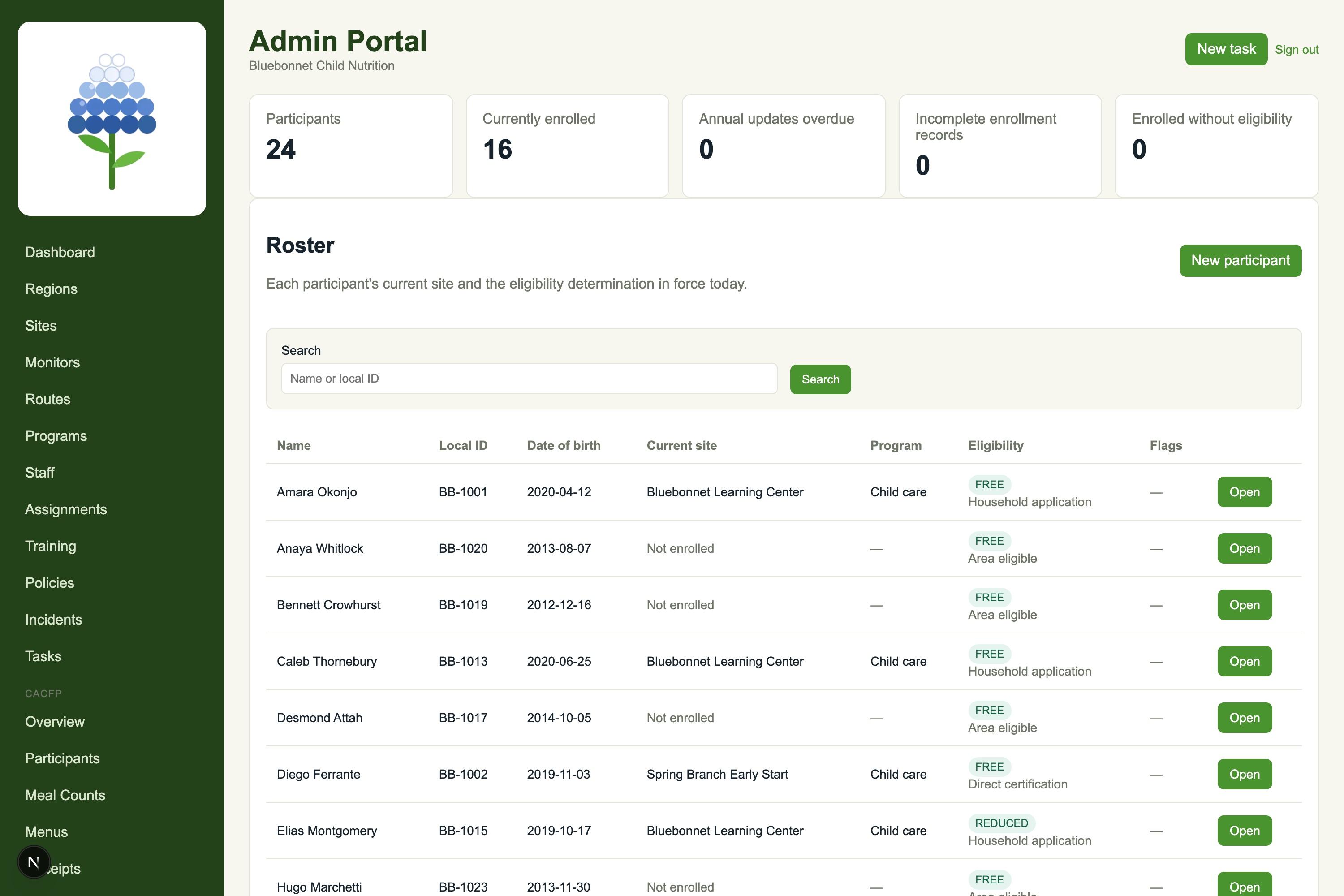
The roster, with the eligibility that applies today.
Every participant, their current site and the eligibility determination in force, with how it was determined, because a household application and a direct certification are not the same evidence.
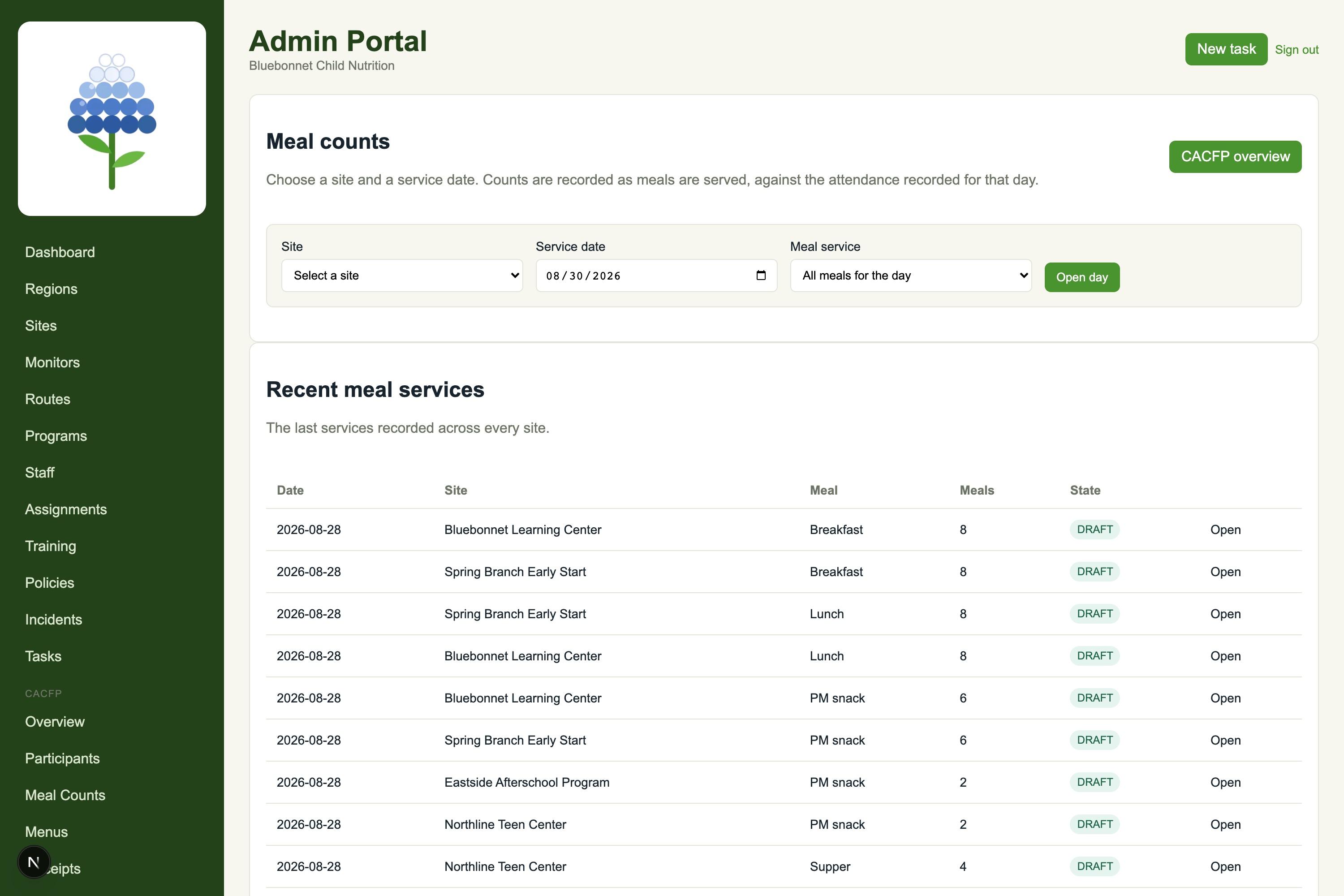
Meal counts taken at the point of service.
A site, a service date and the counts recorded as meals are served, checked against the attendance recorded for that day, which is the ceiling they cannot exceed.
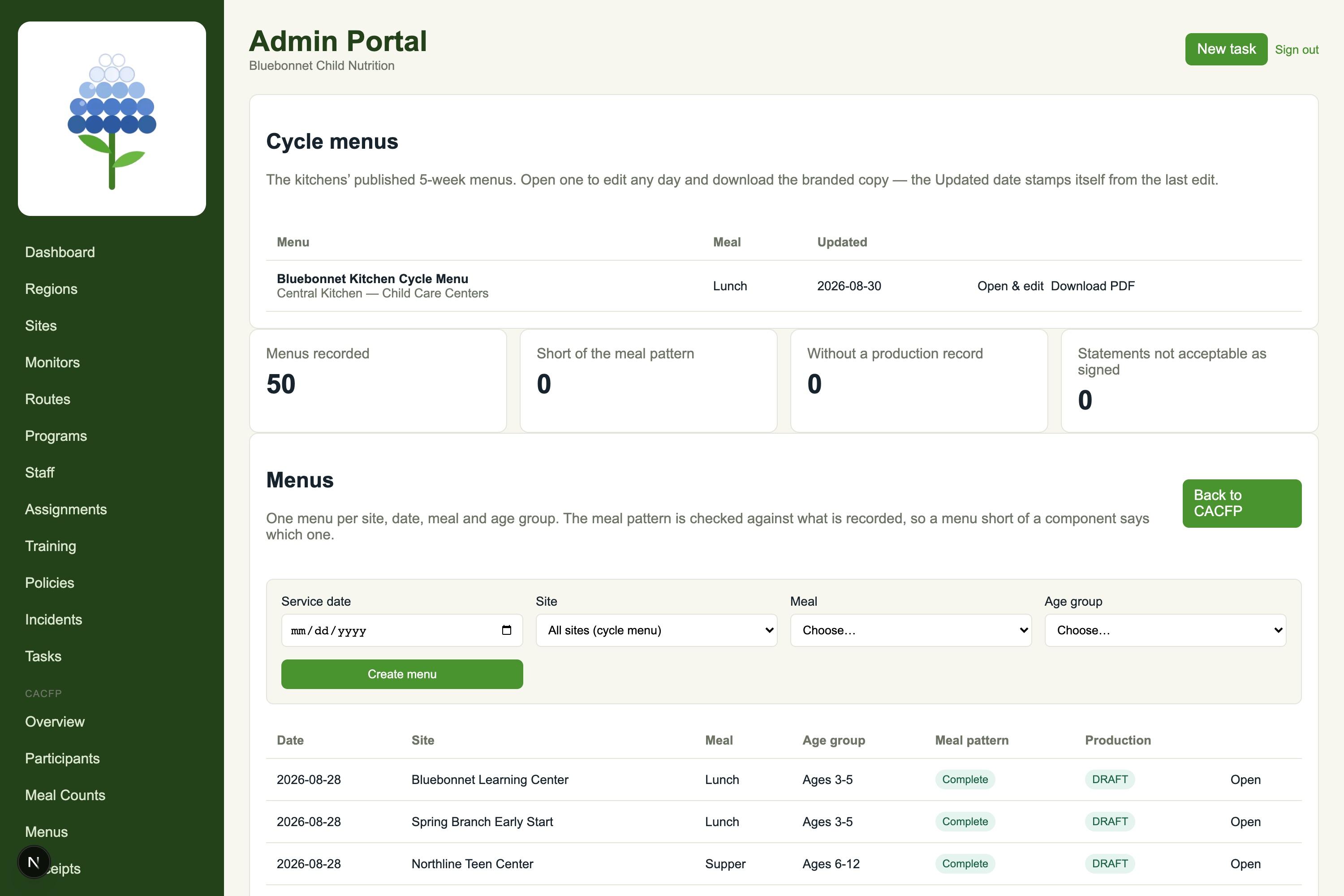
Menus checked against the meal pattern.
Build a cycle menu once, run it across sites, and print the week you served when a monitor asks. Each menu is checked against 7 CFR 226.20, and a menu short of a component is told which one.
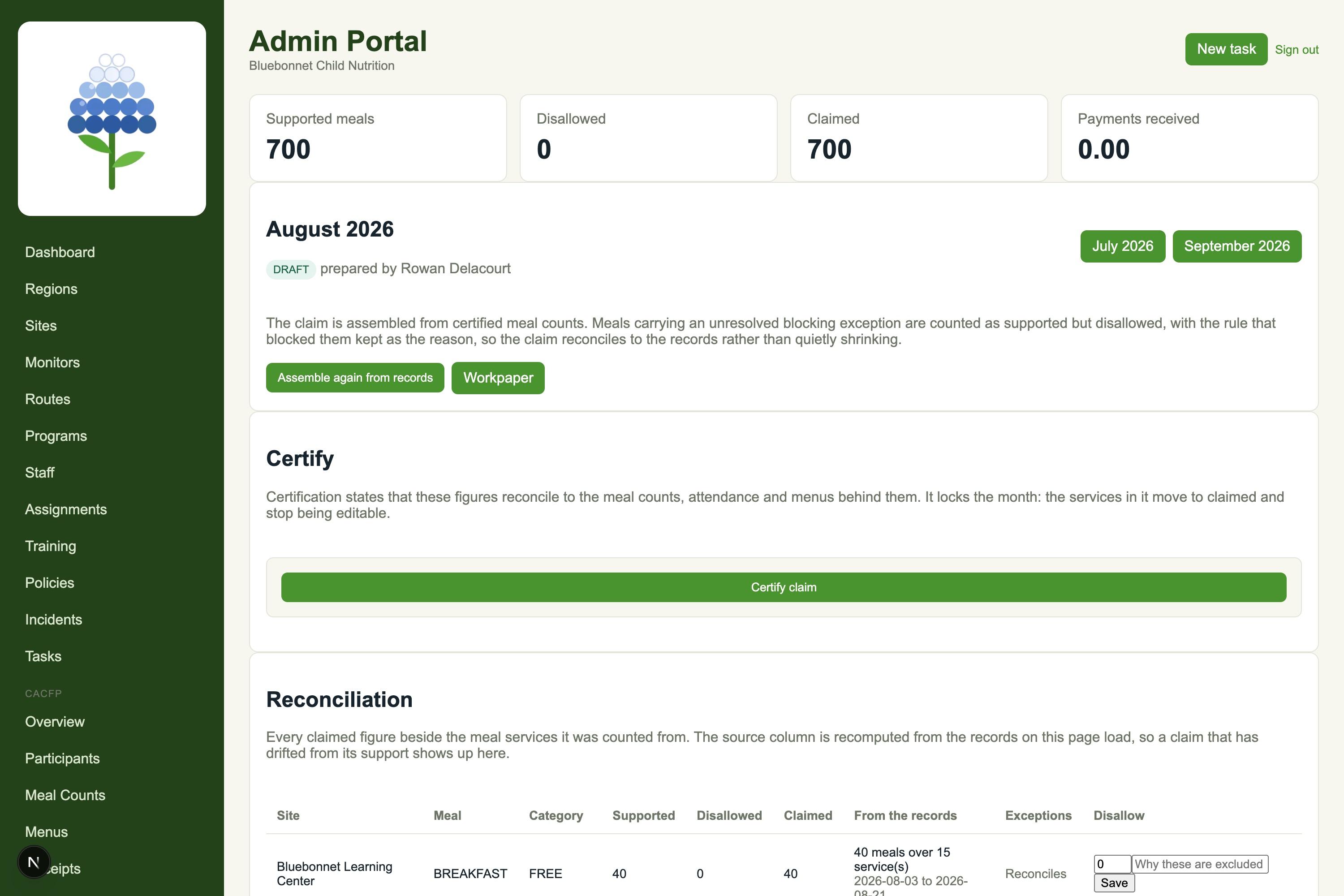
The month, assembled from the records.
Every receipt is checked against the sum of its own lines, and a difference is reported as a transcription error to find, not a total quietly adjusted to match. Rates, receipts and cost records sit against the claim they support.
At the end of the month, the claim is assembled from the counts and records already in the system, with each claimed line traceable back to the services it was counted from.
What a CACFP review looks for, and where it lives
Eligibility on file for each participant
The determination in force and how it was made, per participant.
Meal counts taken at the point of service
Recorded per site and service, checked against that day’s attendance.
Menus that meet the meal pattern
7 CFR 226.20
Each menu checked; a missing component is named.
Food cost records that add up
Every receipt checked against its own lines; differences reported, not adjusted.
Monitoring reviews of each site
Your own review forms, the visits carried out against them, and what each one found.
Required documents at each site
The document set each site has to hold, and whether it actually holds it.
A claim you can trace
The month assembled from the records, each line traceable to its services.
What it costs
OpsCore-CACFP
$35
per site / month · term licence
$30 at 10+ sites · $25 at 25+ · minimum $125
- · Onboarding — setup, data load, training: $750
Licences are assigned through enquiry. Full details on the CACFP pricing section.
Questions buyers ask
Who is OpsCore CACFP for?
Sponsors of the Child and Adult Care Food Program running multiple sites: the organization that carries the claim and the monitoring obligation, not a single center keeping its own paperwork.
How is the monthly claim built?
Out of what is already recorded. Counts are taken at the point of service, menus and receipts sit against the sites that served them, and the month is assembled from those records rather than re-entered at the deadline.
Can we use our own monitoring review forms?
Yes. Review forms are yours to build, and the visits your monitors carry out are recorded against the form you actually use, not a generic checklist.
What does it cost?
$35 per site / month · term licence; $30 at 10+ sites · $25 at 25+ · minimum $125. Onboarding (setup, data load, training) is $750 one time.
Does it check menus against the meal pattern?
Yes. Each menu is checked against 7 CFR 226.20, and a menu short of a component is told which one.